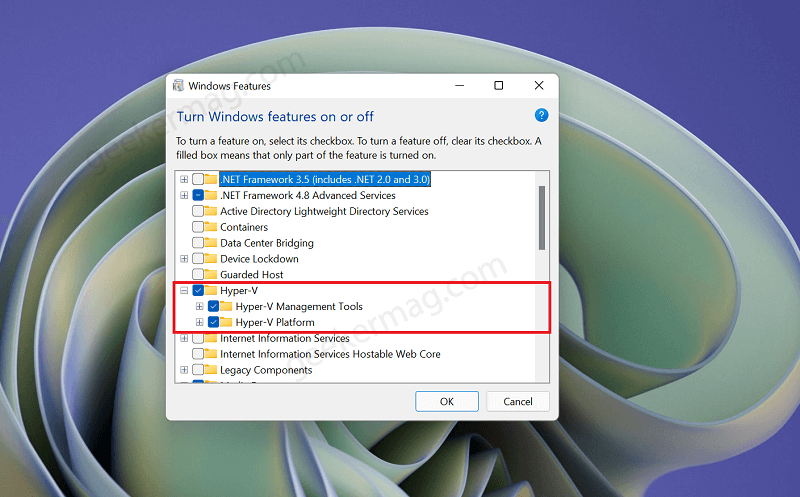
Hyper-V is a built-in feature in Windows 11 that allows you to create virtual machines, which are like separate computers within your main operating system. This can be useful for developers, testers, and other users who need to run multiple operating systems for work or other purposes. However, if you're just a regular user, you might not need Hyper-V and can safely disable it.
To turn off Hyper-V in Windows 11, you'll need to open the Control Panel and click on "Programs and Features". From there, click on "Turn Windows features on or off" and scroll down to the "Hyper-V" section. Uncheck the box next to "Hyper-V" and restart your computer to apply the changes.

