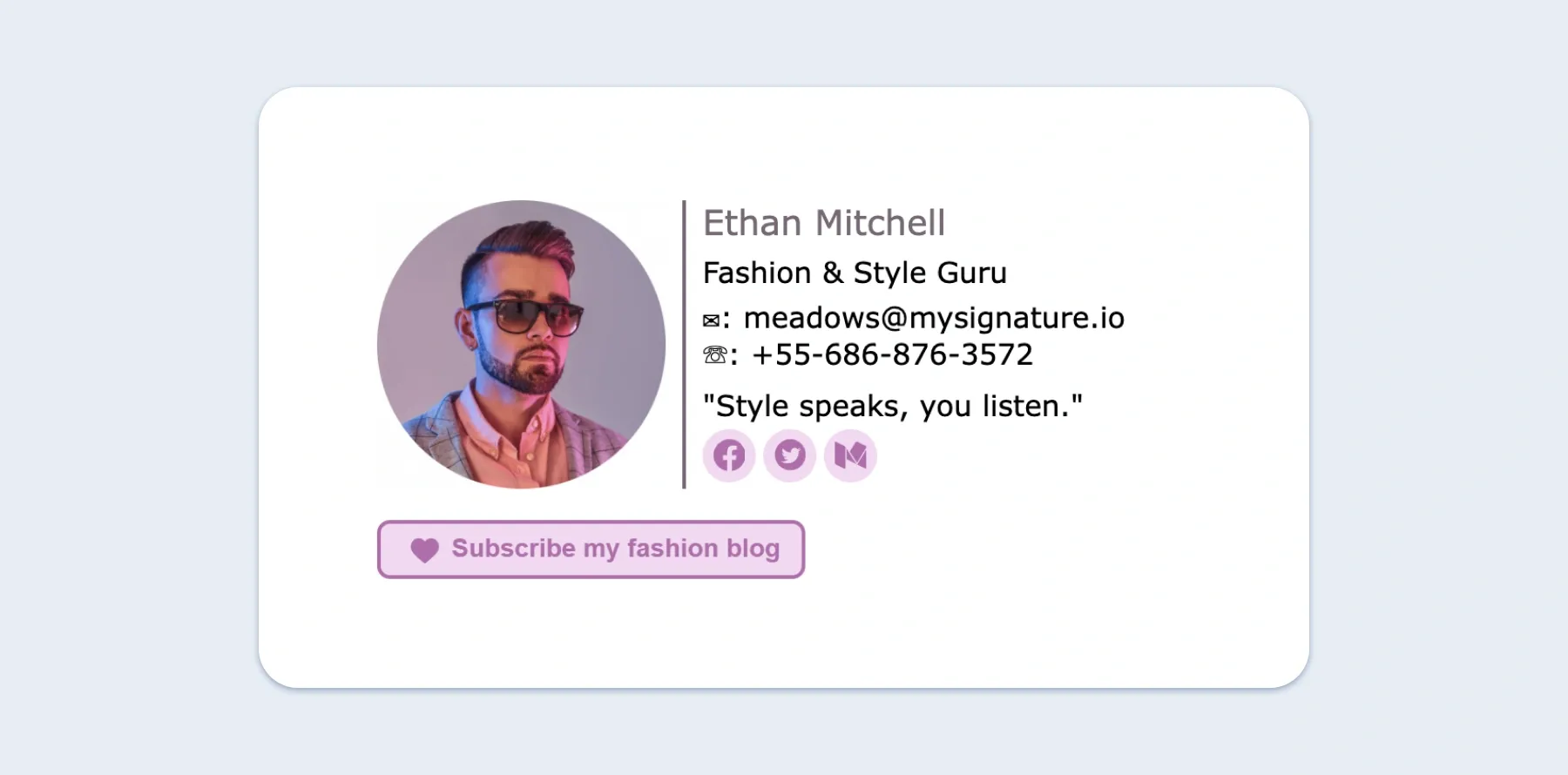
Ready for the tech part? Breathe. It’s simpler than making toast. In Gmail, click the gear icon, then “See all settings.” Scroll to “Signature,” and paste your quote right below your name. Use a dash or an em dash before it to separate it visually—like this: “— Marie Curie.”
For Outlook, go to “File” > “Options” > “Mail” > “Signatures.” Easy peasy. Just copy and paste your chosen words into the box. Don’t overthink the formatting—plain text works perfectly. Fancy italics are optional, but they do add a little sparkle.

